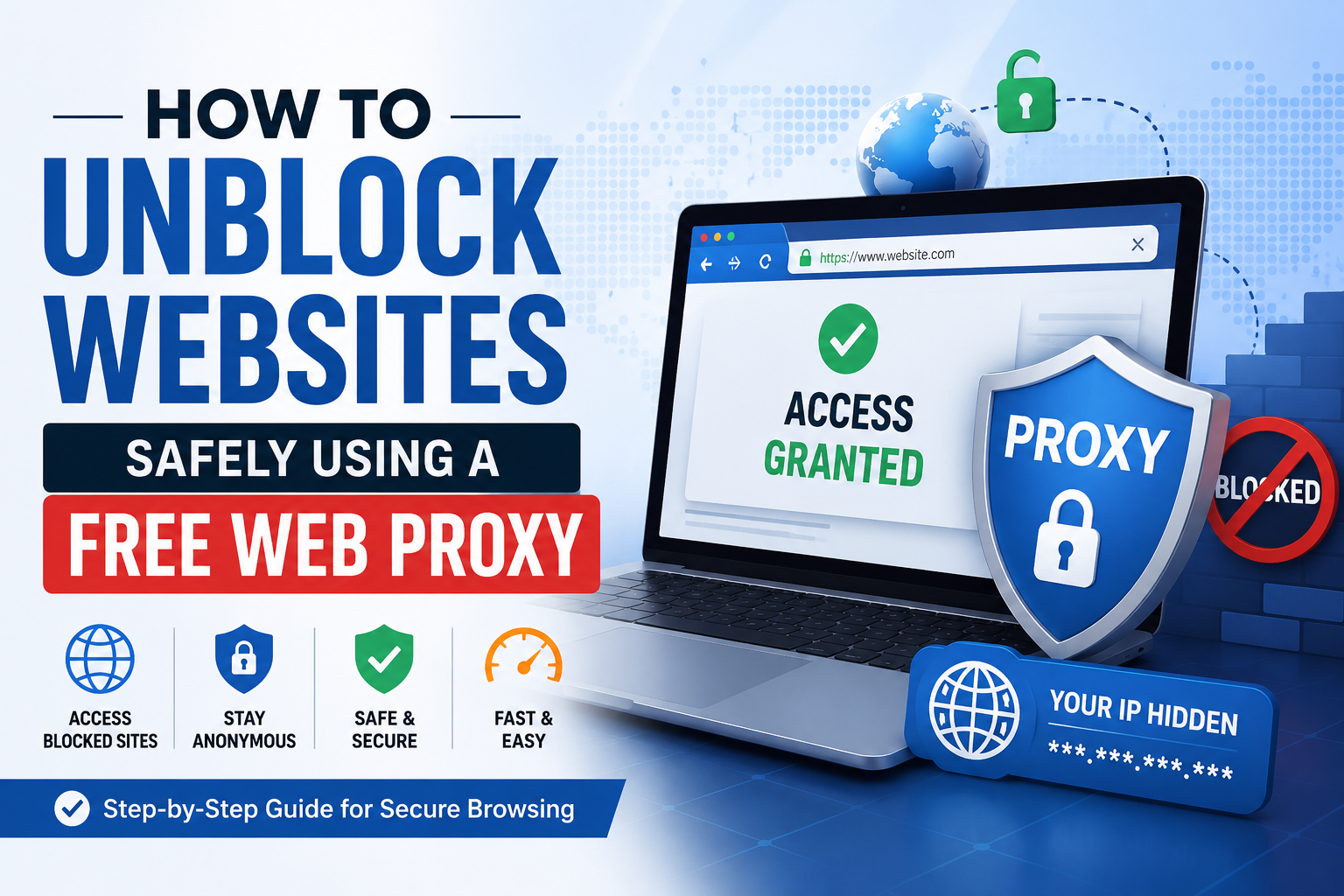
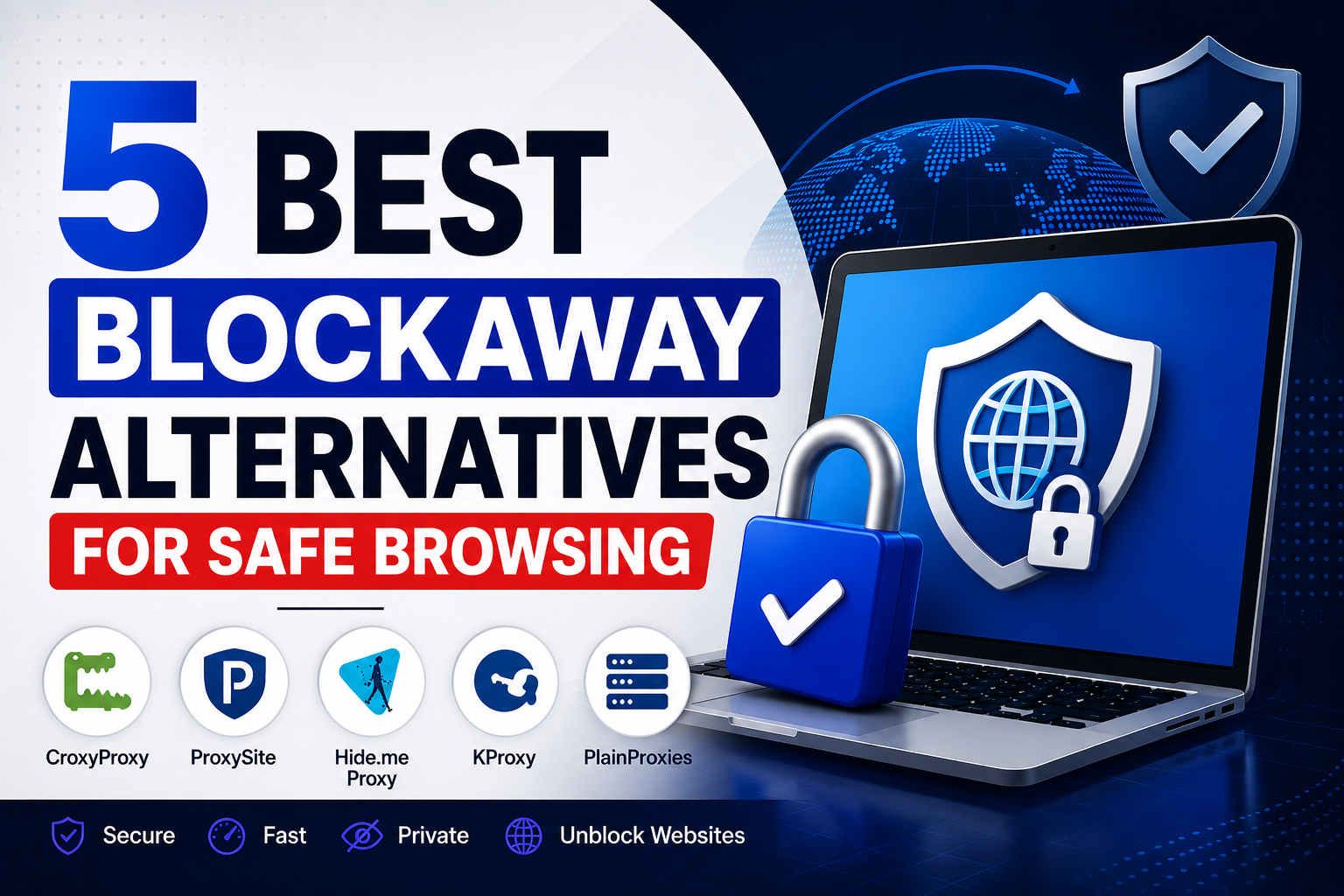
Blockaway is a free, browser-based web proxy that many people use to reach websites blocked by a school, workplace, or home network. You paste in a URL, the page loads through Blockaway’s servers, and your own IP address stays hidden from the site you’re visiting.
It works well for basic tasks, but it isn’t the only option, and it isn’t always the best fit for every situation. Server load, spotty support for streaming sites, and general reliability all vary from day to day. That’s why a lot of people go looking for a Blockaway alternative that loads faster, protects their privacy more clearly, or simply works more consistently across different websites.
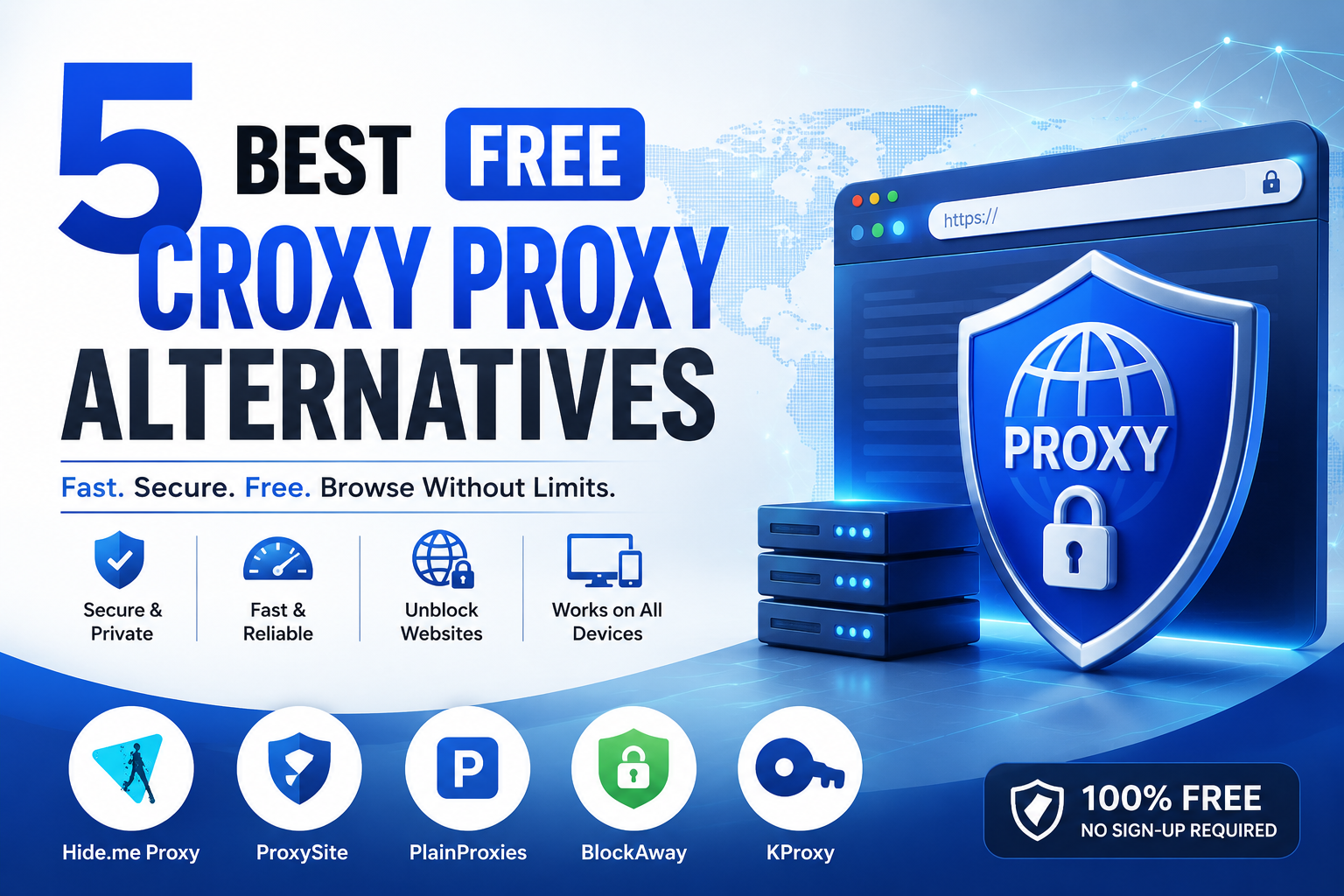
This guide covers five solid alternatives, how they compare to Blockaway on speed and privacy, and what to check before trusting any free proxy with your browsing.
Why Look for a Blockaway Alternative?
A few common issues push people toward trying something new:
Speed limitations. Free proxies share limited server resources across many users, so pages can load slowly, especially during peak hours.
Privacy concerns. Not every proxy publishes a clear logging policy. If you don’t know what a service records, it’s hard to judge how private your session really is.
Ads and interruptions. Free proxy sites typically run on ad revenue, and a heavy ad load can make browsing feel cluttered or occasionally unsafe if a bad ad slips through.
Limited streaming support. Video platforms actively try to detect and block proxy traffic, so streaming success is inconsistent even among well-known tools.
Restricted websites. Some websites use scripts or security checks that don’t work well inside a proxy tunnel, which can lead to broken pages, login failures, or blank screens.
Quick Comparison Table
| Proxy | Free Version | HTTPS Support | Streaming Support | Registration Required | Best For |
|---|---|---|---|---|---|
| CroxyProxy | Yes | Yes | Strong | No | Watching YouTube and video content |
| ProxySite | Yes | Yes | Moderate | No | Quick access to popular sites |
| Hide.me Proxy | Yes | Yes | Limited | No | Privacy-focused general browsing |
| KProxy | Yes (capped) | No (free tier) | Moderate | No | Long-established, simple unblocking |
| PlainProxies | Yes | Yes | Moderate | No | Users who may need paid proxies later |
1. CroxyProxy
Overview: CroxyProxy is a free, web-based proxy built with video and audio streaming in mind, which sets it apart from many general-purpose proxy tools. You visit the site, enter a URL, and it loads the destination page through its own servers, no download required.
Features:
- Strong support for streaming platforms, including YouTube
- SSL encryption between your browser and CroxyProxy’s servers
- Works across desktop and mobile browsers without an app
- Free tier with ads; a paid plan removes ads and improves speed
Pros:
- One of the more reliable free options for video content specifically
- Simple, no-installation setup
- Handles modern, script-heavy pages reasonably well
Cons:
- Free tier can drop to lower video resolution during busy periods
- Ads on the free plan can be intrusive
- Not a substitute for a full VPN’s device-wide encryption
Best Use Cases: Streaming YouTube or similar video content on a restricted network, and casual browsing where video playback matters more than raw speed.
2. ProxySite
Overview: ProxySite is a browser-based proxy that’s been around for years, known for its one-click shortcut buttons to popular platforms like YouTube, Facebook, and Reddit.
Features:
- Shortcut buttons for popular sites, so you don’t always need to type a URL
- Multiple server locations across the US and Europe
- SSL-secured connection to the proxy
- No sign-up needed to start browsing
Pros:
- Fast to get started thanks to built-in shortcuts
- Reasonable server spread for a free tool
- Familiar, simple interface
Cons:
- Ad load can feel heavy on the free version
- Some complex, script-heavy pages don’t render correctly
- Not built for downloads or torrenting
Best Use Cases: Quick, everyday access to social media and common websites without extra setup.
3. Hide.me Proxy
Overview: Hide.me is primarily known as a VPN provider, and that background carries over into its free proxy tool, which comes across as more privacy-focused than most standalone proxy sites.
Features:
- Masks your IP with a Hide.me server address
- Browser extensions for Chrome and Firefox with WebRTC leak protection
- No account required for the free proxy
- Backed by a company that also offers a no-logs VPN
Pros:
- Clearer, more detailed privacy policy than most free proxies
- Easy-to-use browser extensions
- SSL-secured web tool
Cons:
- Free tier limited to a small number of server locations
- Struggles with major paid streaming platforms
- Doesn’t match the encryption of a full VPN
Best Use Cases: Users who want a privacy-first proxy and may eventually want to upgrade to a full VPN from the same provider.
4. KProxy
Overview: KProxy has been operating since 2005, making it one of the longer-running free web proxies still active today. It’s available both as a browser tool and as a Chrome/Firefox extension.
Features:
- Public proxy servers accessible without installing anything
- Browser extension with server-switching between locations
- Free tier with a bandwidth allowance before you need to wait or upgrade
- Long operating history compared to newer proxy sites
Pros:
- Proven track record spanning close to two decades
- Effective for getting past basic school and office filters
- Simple, no-frills interface
Cons:
- Free tier caps bandwidth, then asks you to wait or subscribe
- No built-in encryption on the free connection, only IP masking
- Limited free server locations, typically Canada and France
Best Use Cases: Users who want an established, no-frills proxy specifically for bypassing basic network restrictions.
5. PlainProxies
Overview: PlainProxies is primarily a paid proxy infrastructure provider built for web data collection, but it also offers a free, browser-based web proxy tool for everyday unblocking.
Features:
- Free web proxy alongside paid residential and datacenter proxy plans
- Global server network tied to its larger paid infrastructure
- GDPR-aligned privacy documentation
- Simple URL-entry interface for the free tool
Pros:
- Backed by more robust infrastructure than most free-only proxy sites
- Transparent privacy policy
- Useful if you might need dedicated proxies for other projects later
Cons:
- The free proxy is a smaller part of a business focused on paid services
- Fewer built-in shortcuts for social platforms
- Support response times can lag on the free tier
Best Use Cases: Anyone who wants a free proxy now but might need paid, dedicated proxy infrastructure for other projects down the line.
Blockaway vs These Alternatives
| Factor | Blockaway | CroxyProxy | ProxySite | Hide.me | KProxy | PlainProxies |
|---|---|---|---|---|---|---|
| Speed | Fast, link-rewriting engine | Moderate, drops on free tier during peak hours | Fast | Moderate | Fast until bandwidth cap | Fast |
| Security | SSL encryption | SSL encryption | SSL encryption | SSL, WebRTC leak protection | IP masking only, no encryption on free tier | GDPR-aligned, encrypted |
| Privacy | Moderate, newer service | Moderate | Moderate | Strong | Basic | Strong |
| Streaming Compatibility | Good, handles YouTube and TikTok well | Strong, built for video | Moderate | Limited | Moderate | Moderate |
| Mobile Support | Yes, Android and iOS browsers | Yes | Yes | Yes | Basic | Yes |
| Ease of Use | Very simple, three-step flow | Simple | Simple, shortcut buttons | Simple | Simple but dated | Simple |
Blockaway’s link-rewriting approach gives it an edge on modern, JavaScript-heavy websites where older proxies tend to break. That said, if video streaming is your main priority, CroxyProxy is generally the stronger pick. If privacy documentation matters most, Hide.me and PlainProxies both provide clearer policies.
How to Choose the Right Proxy Website
Privacy policies. Look for a proxy that explains, in plain language, what it logs and for how long. Vague or missing policies are a red flag.
HTTPS encryption. Confirm the proxy encrypts the connection between your browser and its own servers. Without this, data can travel unprotected on that leg of the journey.
Speed. Test a proxy with a few different websites before relying on it regularly. Performance can vary a lot depending on server load at different times of day.
Server locations. More locations generally mean better odds of getting around geographic restrictions, particularly for news or region-locked content.
Logging policy. Beyond just having a policy, check whether it’s specific about IP addresses, browsing history, and third-party sharing.
Browser compatibility. Make sure the proxy works properly on the browser and device you actually use, especially if you’re on mobile.
Free vs paid services. Free proxies are fine for casual, low-risk browsing. If you need consistent speed, more server locations, or stronger privacy guarantees, a paid plan or a VPN is usually worth it.
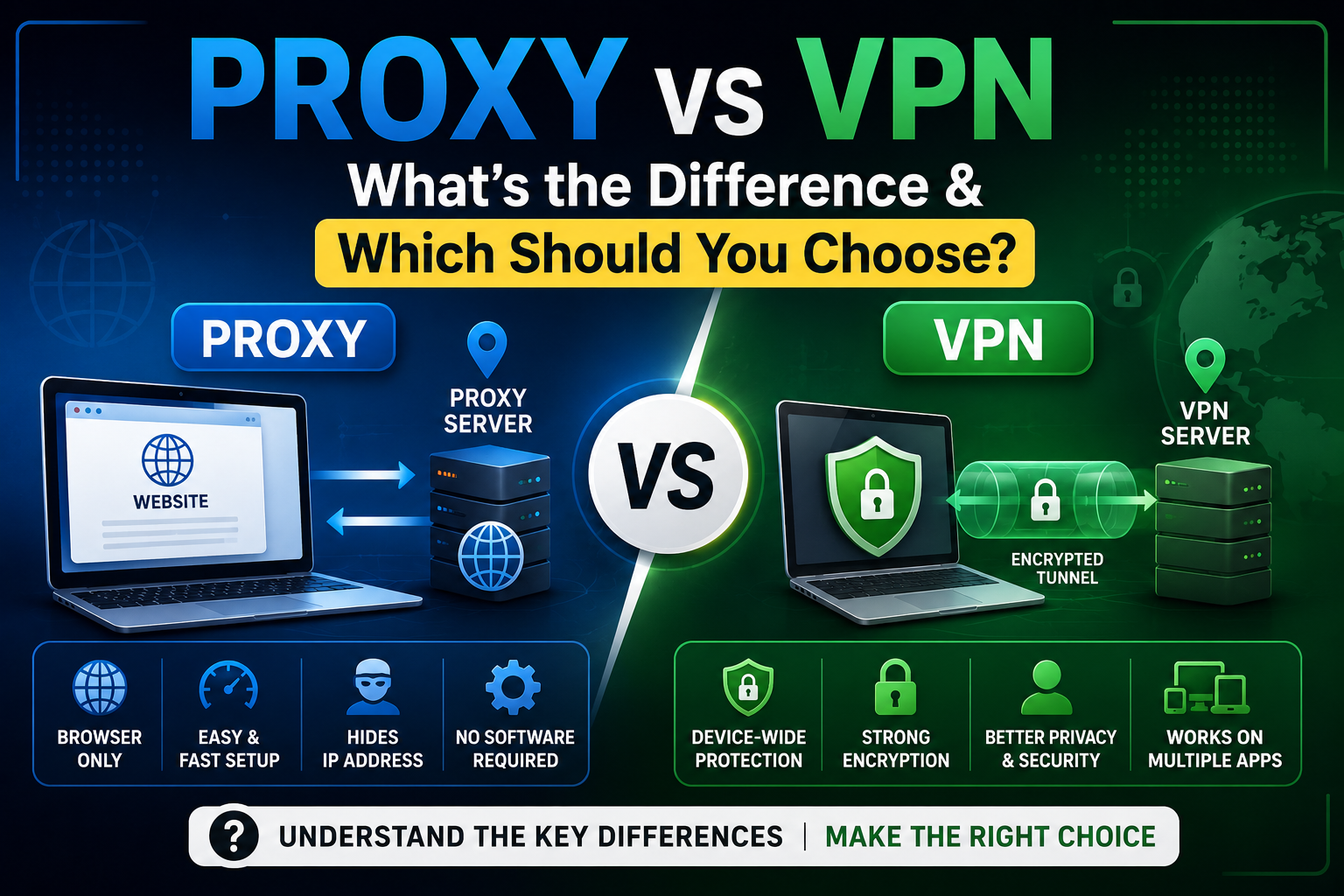
Proxy vs VPN
| Factor | Web Proxy | VPN |
|---|---|---|
| Differences | Masks IP for browser traffic only | Encrypts and reroutes all device traffic |
| Advantages | No installation, instant access, usually free | Full encryption, works across every app, more consistent |
| Limitations | Little to no encryption on some free tiers | Requires an app, may need a subscription |
| Best For | Quick, low-risk browsing tasks | Sensitive activity like banking, work logins, or torrenting |
Which is better? For a quick task, such as checking a blocked news article, a free proxy is usually enough. For anything involving passwords, financial details, or long-term privacy, a VPN offers stronger, more consistent protection.
Safety Tips When Using Free Proxy Sites
- Avoid entering passwords. Free proxies aren’t designed for logins to banking, email, or other sensitive accounts.
- Check for HTTPS. Look for a padlock icon or “https://” before trusting a proxy with any personal browsing.
- Understand logging policies. Read what a provider says about IP logs, session data, and third-party sharing before relying on it regularly.
- Use trusted providers. Stick to proxies with an established track record and visible reviews rather than obscure, unfamiliar sites.
- Know when to use a VPN instead. If you’re on public Wi-Fi or handling anything sensitive, switch to a VPN for full-device encryption.
Frequently Asked Questions
What is the best Blockaway alternative? CroxyProxy is a strong pick for streaming video, while Hide.me suits users who prioritize privacy. The right choice depends on whether speed, privacy, or streaming matters most to you.
Are free proxy websites safe? They’re generally safe for casual, low-stakes browsing, but most don’t offer the encryption level of a paid VPN, so they aren’t ideal for sensitive logins or financial information.
Which proxy works best for streaming? CroxyProxy is built specifically with video and audio streaming in mind, making it one of the more consistent free options for platforms like YouTube.
Can I access blocked websites at school? Yes, in most cases. Free proxies like the ones on this list can help you reach websites blocked on a school network, though results depend on how strict the network’s filtering is.
Is using a proxy legal? Using a proxy website is legal in most countries, including the United States, the UK, and India. Using one to break a website’s terms of service or to do something illegal isn’t protected just because a proxy was involved.
What’s the difference between a proxy and a VPN? A proxy typically reroutes and masks your IP address for browser traffic only, while a VPN encrypts and reroutes all traffic leaving your device, offering stronger and more consistent protection.
Conclusion
Blockaway remains a solid, simple choice for everyday unblocking, especially on modern, script-heavy websites. But depending on what you need, one of these five alternatives may suit you better: CroxyProxy for streaming, ProxySite for quick access to popular platforms, Hide.me for privacy, KProxy for a long-established option, and PlainProxies if you might need paid proxy infrastructure later.
Whichever you choose, base the decision on privacy, speed, and how you actually plan to browse, rather than picking the first free proxy you find.